
In the asset editor, under "Content" tab, you will see on the right hand side your content units.
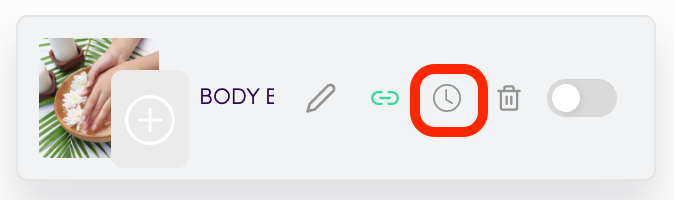
Floating with your mouse over a content unit, click on the clock icon.
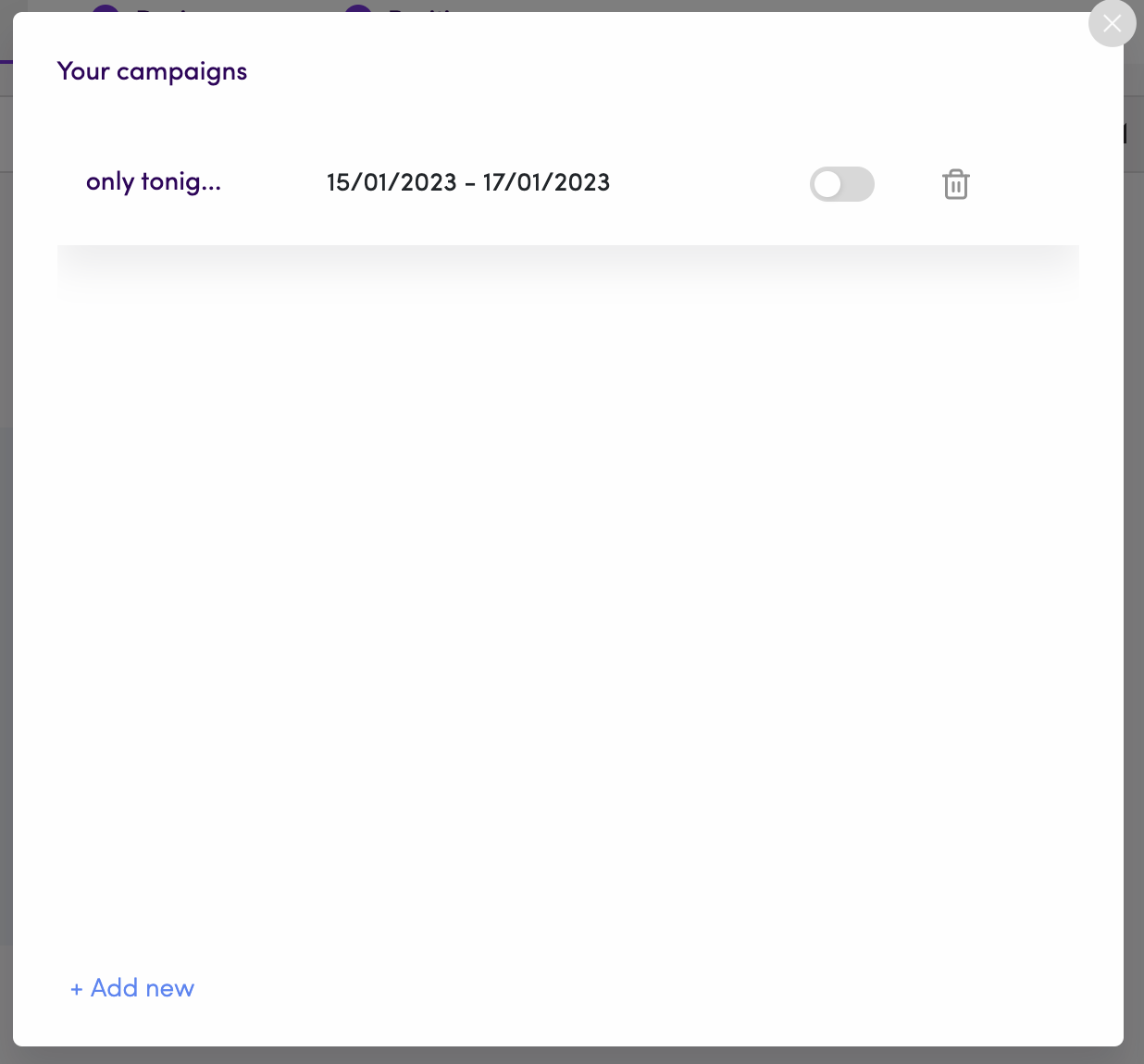
You will then see a list of your previously timed campaigns. You can either use one of them by clicking on the toggle on the right, or create a new timed campaign by clicking "Add new" at the bottom.
You will then name your campaign, set start & end date.
If you want, you can then customize your campaign to only show in specific days and times.
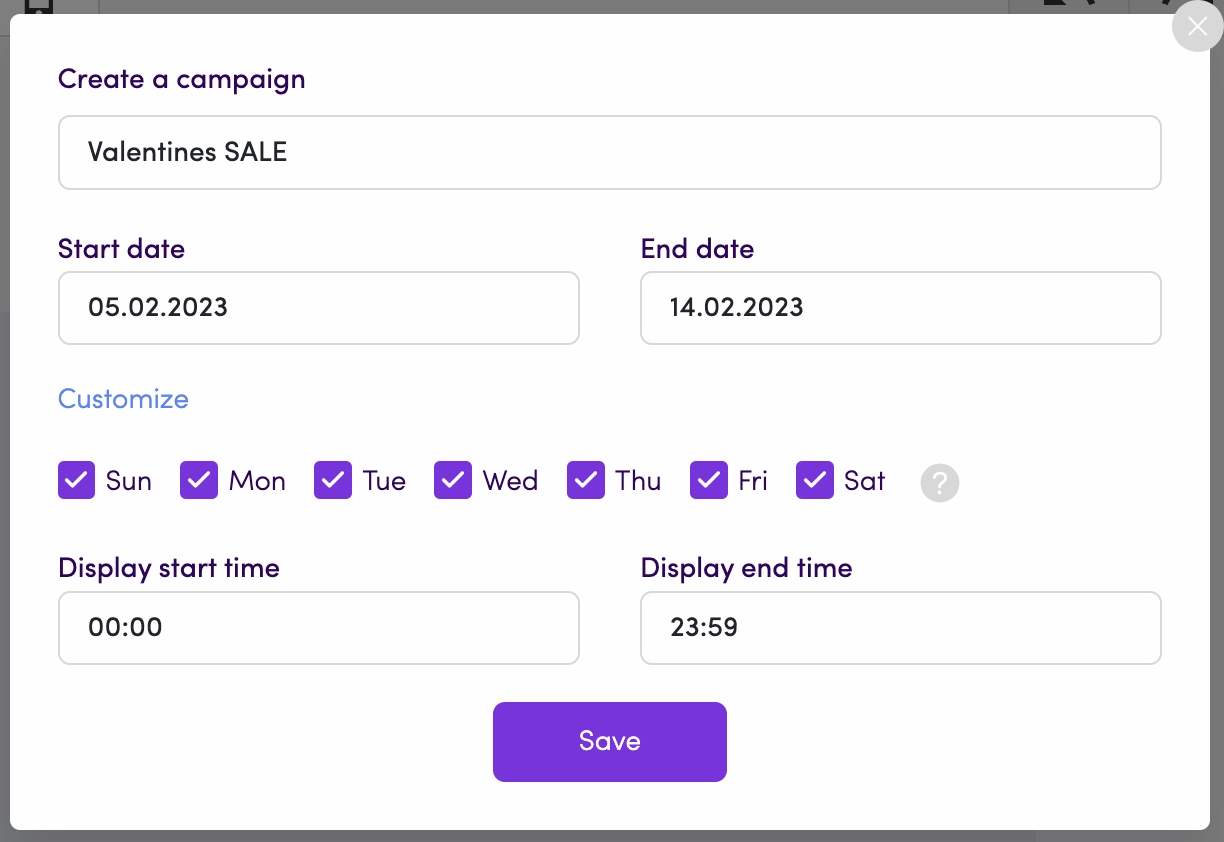
Don't forget to click "Save".